Reels, TikTok and Shorts: the sizes, lengths and safe areas that actually matter
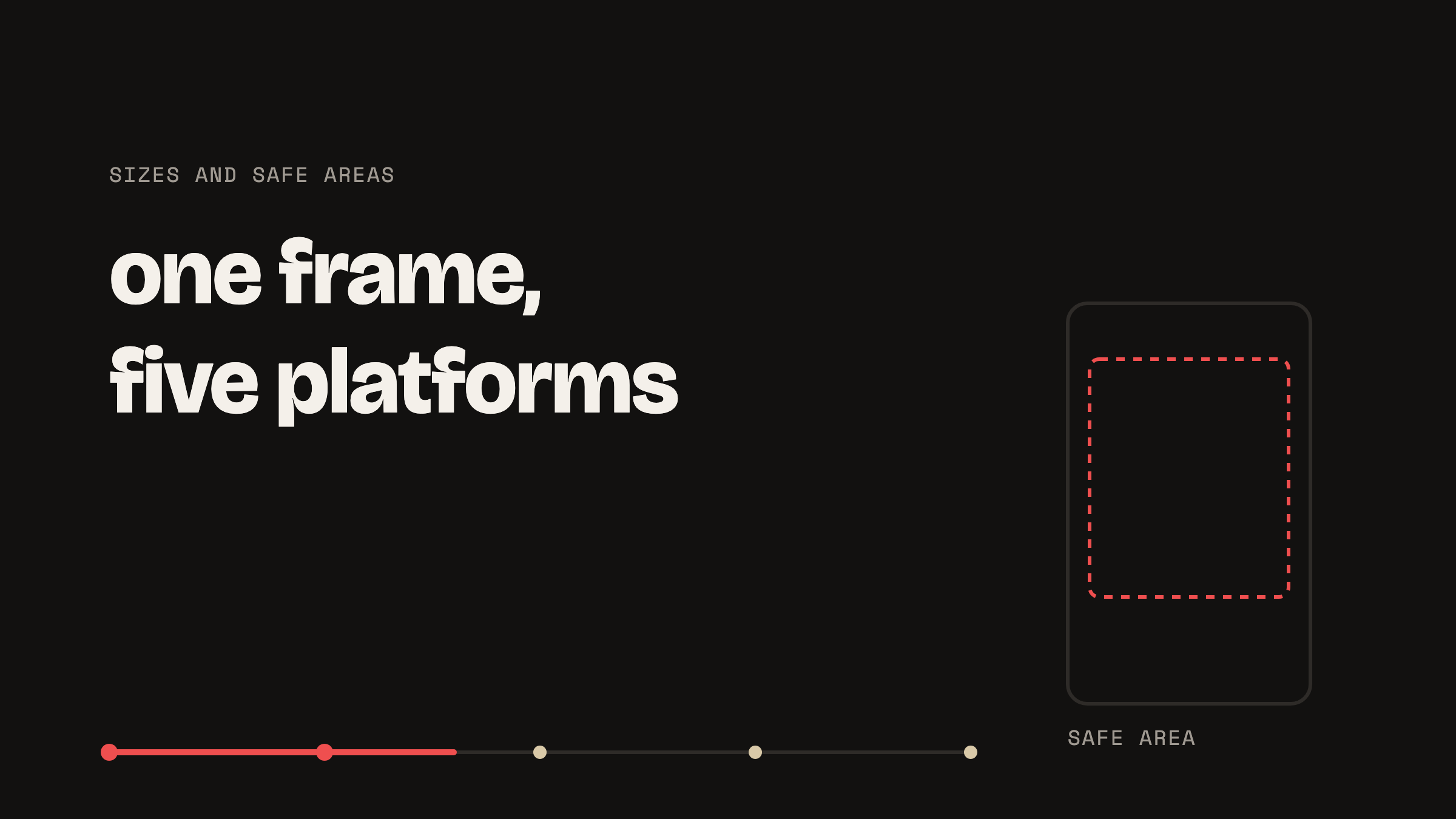
Film vertical at 1080 by 1920 pixels and the same file works everywhere. Instagram Reels, TikTok, YouTube Shorts, Facebook Reels and LinkedIn all take that frame. What differs between them is not the size, it is how much of the frame each one covers with its own buttons and captions, and that is what decides where your text can safely sit.
The frame every platform accepts
All five take 1080 by 1920, which is 9:16, at 30 frames a second. A phone recording in portrait already produces exactly this, so for most people there is nothing to change. Higher resolutions are accepted and then re-encoded on upload, so filming in 4K costs you upload time and storage and gains very little at the size these are actually watched.
How long can a video be, and how long should it be
The technical maximums are far longer than anything you should post. They are also not the number that matters, because reach is capped well before the limit is.
| Platform | Maximum | Where reach drops off | Sensible length |
|---|---|---|---|
| Instagram Reels | 20 minutes | Instagram stops recommending past 3 minutes to non-followers | 15 to 45 seconds |
| TikTok | 10 minutes in app, 60 uploaded | Longer posts are being pushed more than they were | 21 to 60 seconds |
| YouTube Shorts | 3 minutes since October 2024 | Anything over 3 minutes is not a Short at all | 30 to 60 seconds |
| Facebook Reels | 90 seconds | The cap is the drop-off | 15 to 45 seconds |
| 10 minutes | Attention, not the platform | 30 to 90 seconds |
The Instagram figure is the one people get caught by. A four minute Reel is allowed, uploads fine, and is then shown to almost nobody who does not already follow you.
The safe area is the part most people get wrong
Each platform draws its interface over your video: the account name at the top, the caption and audio credit at the bottom, the like and share buttons down the right. Anything underneath those is covered, and the covered area is much bigger than it looks while you are editing.
Instagram’s own guidance works in percentages rather than fixed pixels, because the exact overlay moves between phones. On a 1080 by 1920 frame it comes out roughly like this.
| Edge | Keep clear | What sits there |
|---|---|---|
| Top | About 14%, roughly 270px | Status bar, account name, follow button |
| Bottom | About 35%, roughly 670px | Caption, audio label, progress bar |
| Each side | About 6%, roughly 65px | Action buttons on the right, breathing room on the left |
That leaves a safe middle of roughly 950 by 980 pixels. The practical rule is that captions belong in the middle third of the frame, not the bottom third. Text sitting 100 to 200 pixels off the bottom looks correct in an editor and lands squarely behind Instagram’s own caption on a phone. Yarn keeps captions inside the safe area for this reason, which is also why they sit higher than people expect at first.
Does resolution actually matter
Less than people think. Every platform re-encodes what you upload, so the file being watched is never the file you sent. What survives that compression is contrast, steady framing and clean audio. What does not survive is fine detail in a dim corner. Filming somewhere bright does more for apparent quality than any resolution setting will.
The one setting worth checking is frame rate. Record at 30 frames a second rather than 60: sixty looks subtly odd for talking-head video, doubles the file size, and gets converted anyway.
One video, five platforms
Because the frame is identical, the same file posts everywhere, and what should change per platform is the caption and the call to action rather than the video. Two things are worth knowing before you post the same thing five times:
- LinkedIn suppresses posts that ask for a comment. A video ending with “comment the word GUIDE below” will reach fewer people there than the same video without it.
- Burned-in captions travel, subtitle files do not. A separate caption file is routinely lost when a video is downloaded from one platform and uploaded to another. Captions rendered into the picture always survive the trip.
The short answer
Record vertical at 1080 by 1920, 30 frames a second, and keep everything that matters inside the middle 950 by 980. Stay under a minute unless there is a reason not to, and never go past three on Instagram if you want strangers to see it. Then one file serves every platform and the only thing you rewrite is the caption.
8 September 2026
Talk your idea into a video
Yarn writes the script, puts it over your camera, and hands back a captioned video. No account, no watermark, and your footage stays on your phone.